Managing the Catalog
Categories
Categories group your dishes together, and each one carries its own weight deviation and packaging rules. You'll need at least one category before you can add any dishes.
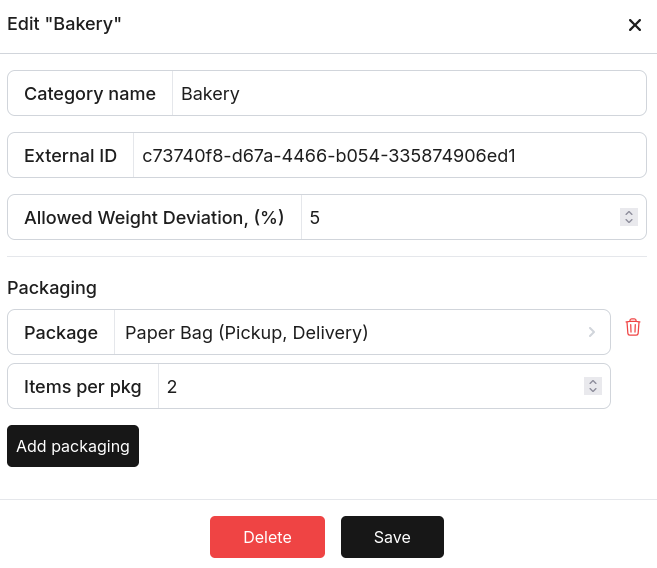
Fields:
| Field | Description |
|---|---|
| Category name | Display name, e.g. "Bakery" |
| External ID | The ID your POS uses for this category. Must match exactly. |
| Allowed Weight Deviation, (%) | How much weight variance is okay for dishes in this category. Set this to override the account-level default; leave it blank to just inherit the default. |
| Packaging | The package types used by this category, and how many items fit in each. Pickpad uses this to work out packaging weight. |
Dishes
Each dish record links a POS item ID to a weight, and optionally a deviation.
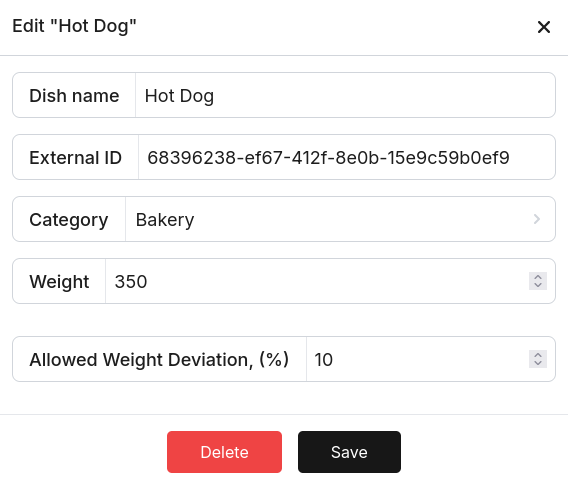
Fields:
| Field | Description |
|---|---|
| Dish name | Display name |
| External ID | The ID your POS sends in the order. Must match exactly. |
| Category | Which category this dish belongs to |
| Weight | The dish's expected weight, in grams. If any Pickpad devices are online, buttons appear below the field so you can just tap one to grab the current scale reading. |
| Allowed Weight Deviation, (%) | How much this specific dish's weight can vary. Set this to override the category and account defaults. |
Modifiers
Modifiers work just like dishes, but they represent add-ons — think extra sauce or a double patty.
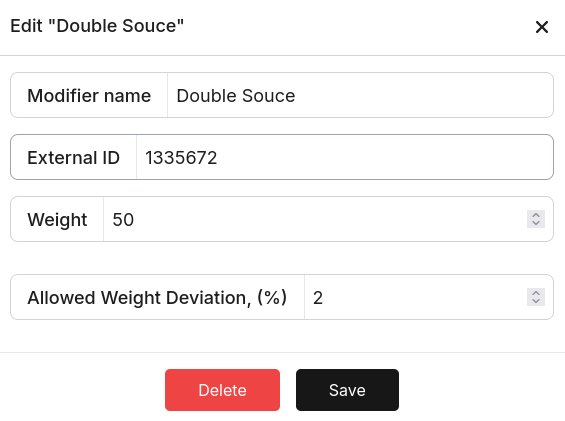
Fields:
| Field | Description |
|---|---|
| Modifier name | Display name |
| External ID | The modifier ID from your POS |
| Weight | Weight of one unit of this modifier, in grams |
| Allowed Weight Deviation, (%) | Deviation override for this specific modifier |
Packages
Packages are the containers that go into an order — bags, boxes, cups. Their weight gets added on top of the food weight.
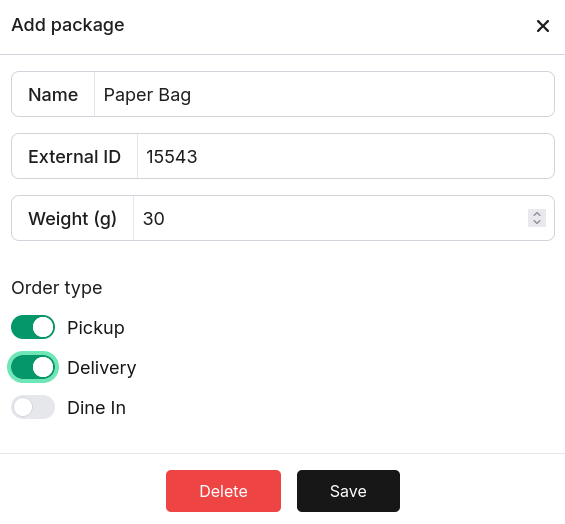
Fields:
| Field | Description |
|---|---|
| Name | Display name, e.g. "Paper Bag" |
| External ID | Package ID from your POS, or your own internal reference |
| Weight (g) | Weight of the empty package, in grams. If any Pickpad devices are online, buttons appear so you can fill it in from the current scale reading. |
| Order type | Which order types this package applies to — Pickup, Delivery, and/or In-Store. Packaging weight is only added when the order type matches. |
Packages are linked to categories. In the category editor, add one or more packages and set how many dishes from that category fit into one package (Items per pkg).