Layout
Only shown once the station has been created — there's nothing to lay out until Pickpads exist on it. Controls how this station's Pickpads are arranged in the dashboard's live view.
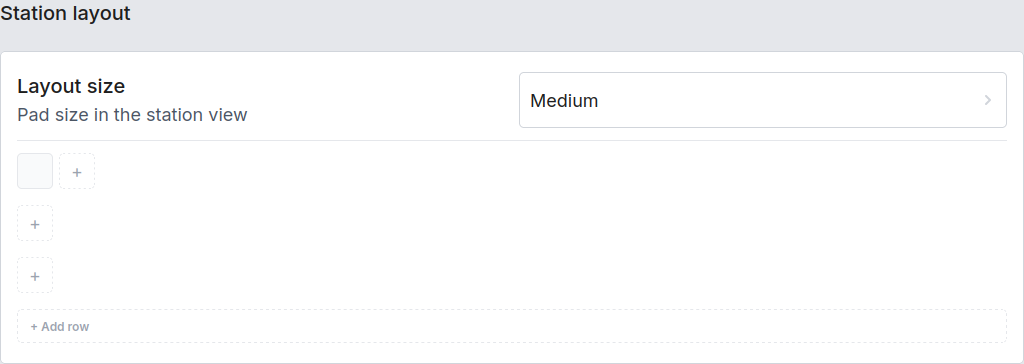
| Setting | Description |
|---|---|
| Layout size | Pickpad size shown in the station view — Small / Medium / Large. |
| Rows | Pickpads (and clusters, shown as one grouped tile) are arranged into rows. Assign a Pickpad to a row by adding it to that row's tiles; use + add row to start a new, empty row. |
The row layout is purely visual — it doesn't affect distribution logic, only how the station looks on the dashboard and on a fullscreen device-grid view.